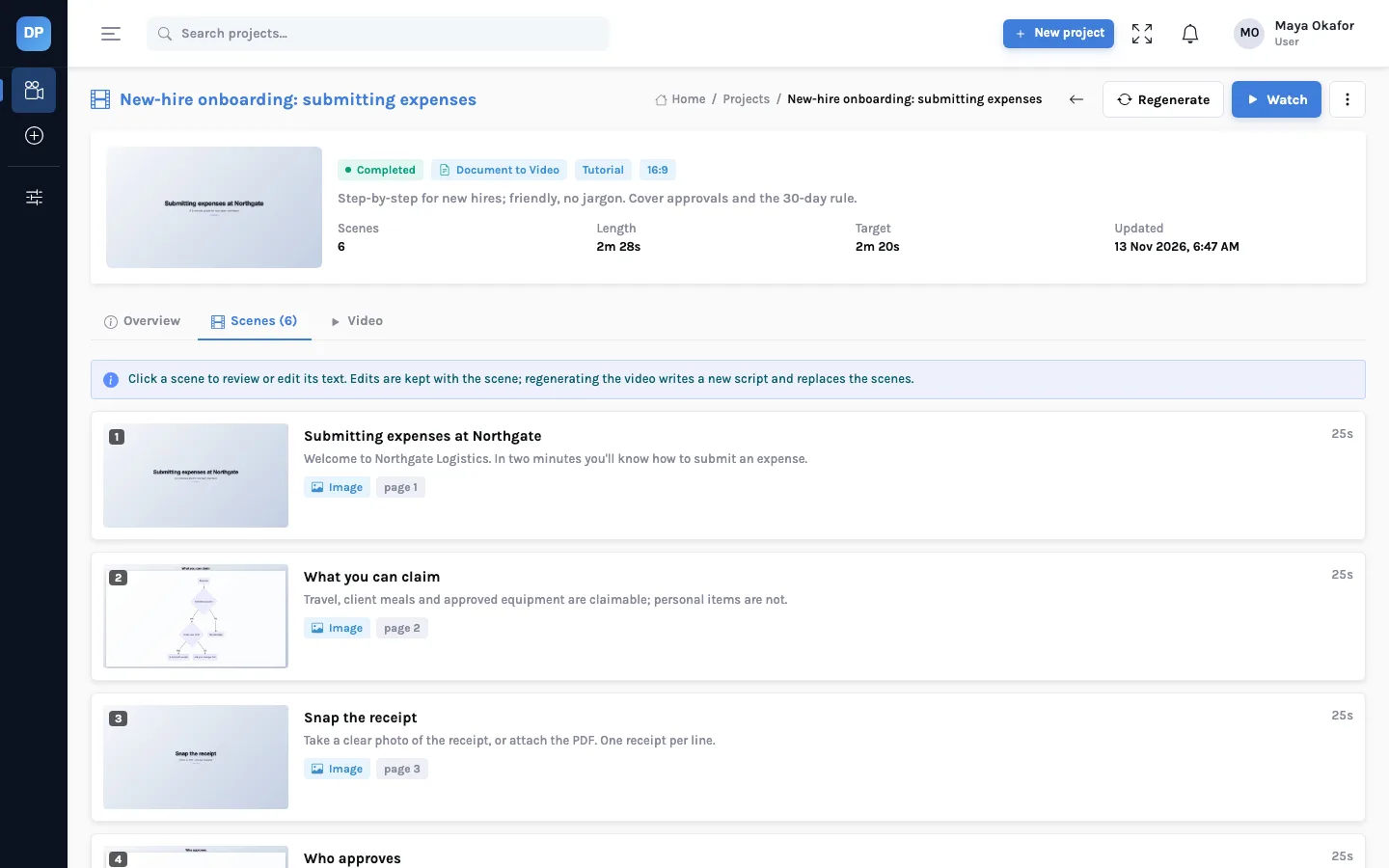
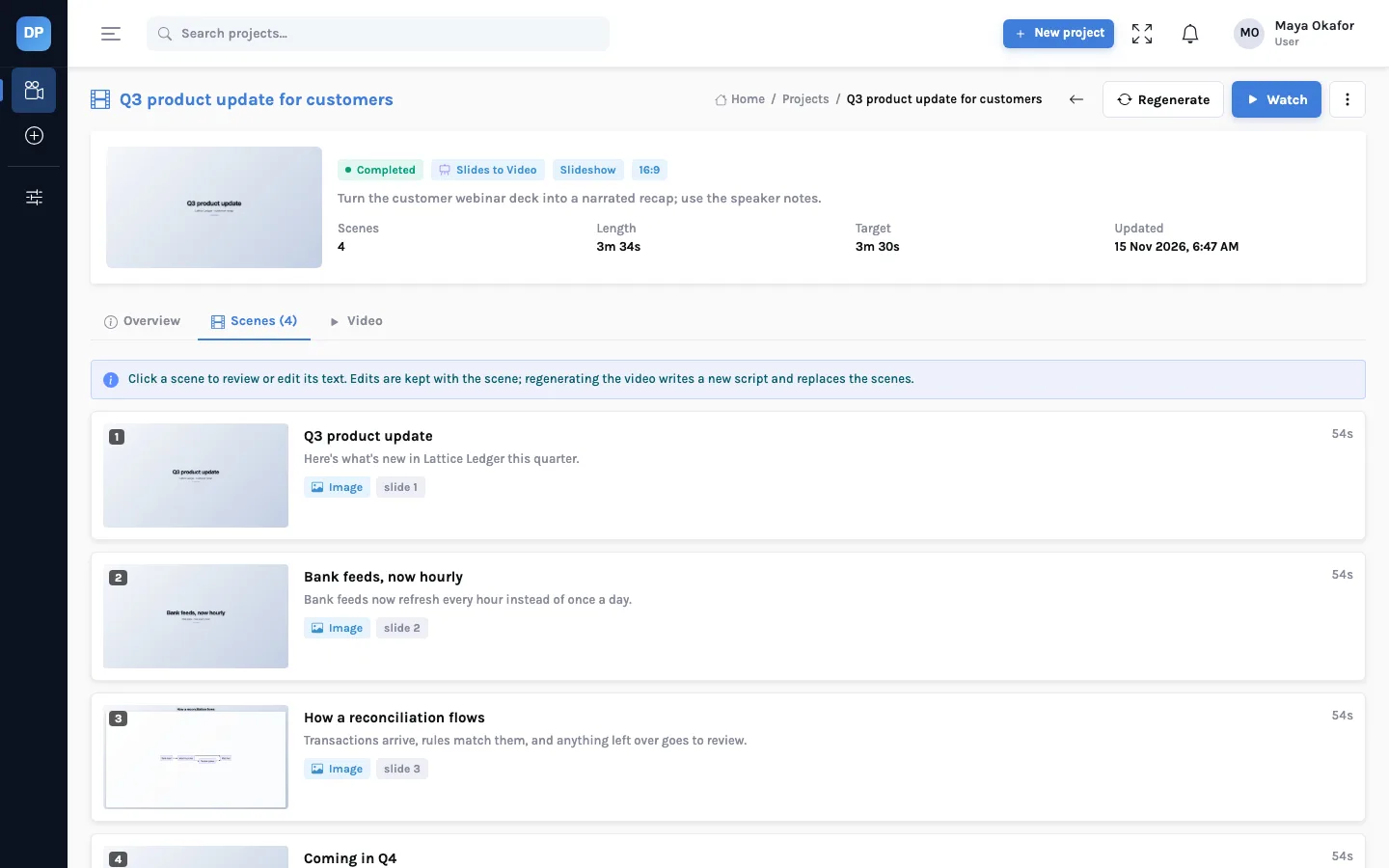
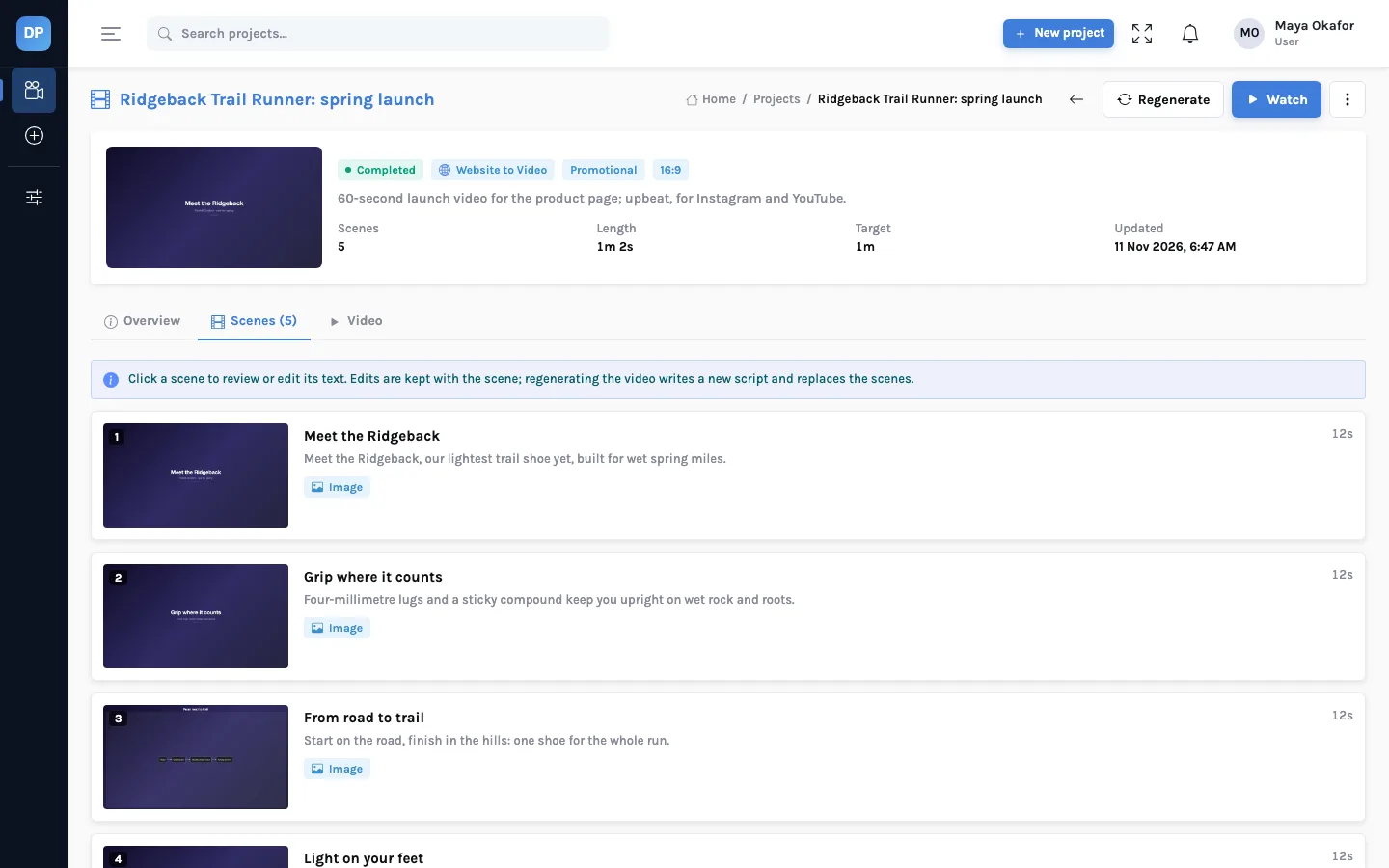
With a website, a deck or a document, DraftPlane has your words to work from. With a description, the brief is all it has: the language model plans every scene, writes all of the narration and describes every picture from what you wrote. A good brief is short, but specific.
What the planner does with a brief
From your brief, the chosen style and the target length, the planner writes a set of scenes. For each one it produces a title, the narration, a description of the picture, and a decision: is this scene best shown as a picture (drawn by the image model) or as a diagram (drawn from Mermaid code, for processes, workflows, timelines, hierarchies and comparisons)? Then the rest of the pipeline runs as for any project: script refinement, diagrams, images, narration, clips and the merge.
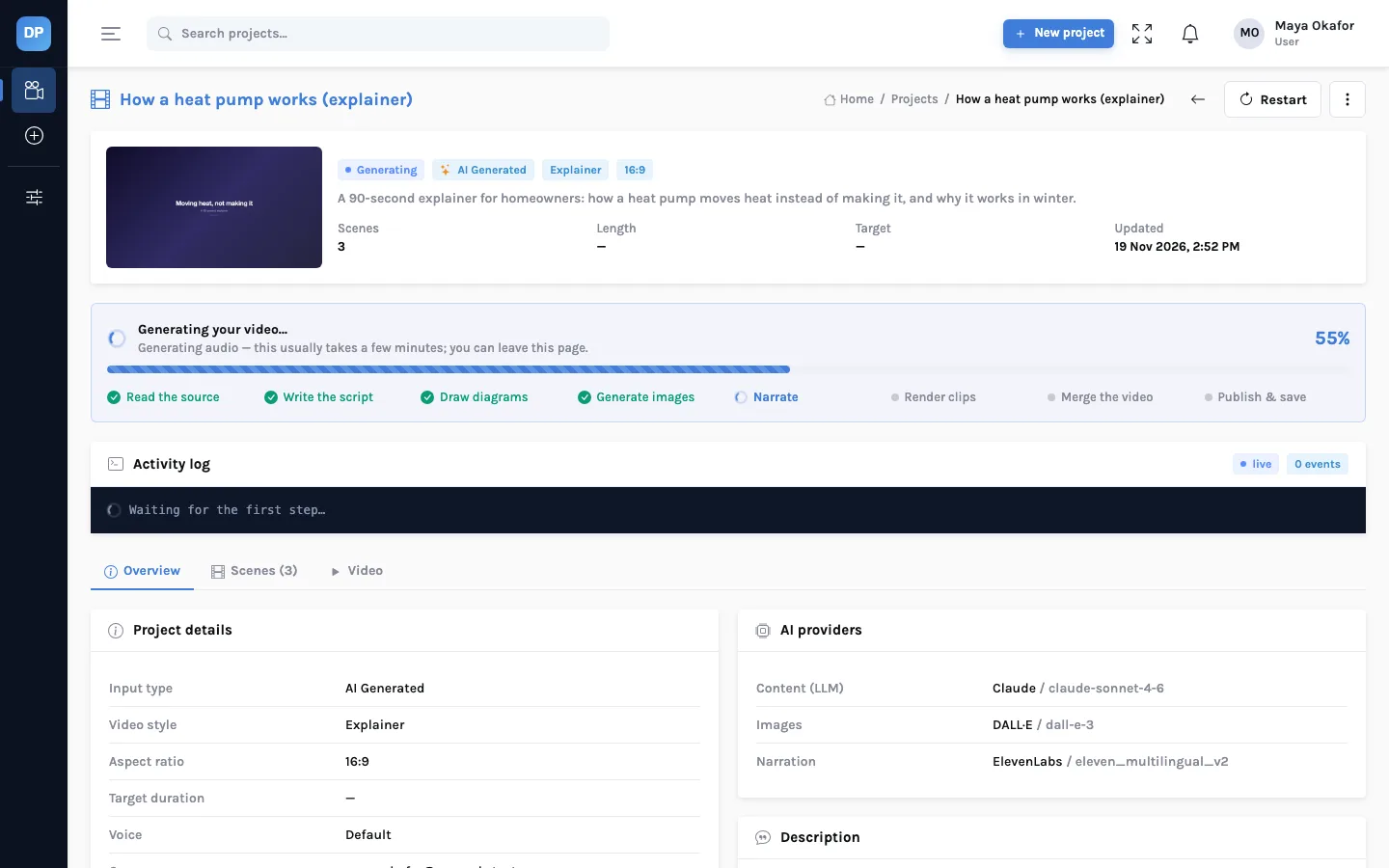
A few things the planner is asked to do whatever your brief says: make between four and ten scenes, keep each scene's narration to roughly ten to thirty seconds, open with a hook and close strongly, and use diagrams for typically one to three of the scenes rather than all of them. It also writes the video's title, which goes on the opening title card, and a short summary, which becomes the description if the video is uploaded to YouTube. If the title matters to you, put it in the brief.
Five things every brief should say
- Who it's for. "Homeowners comparing heating options" writes differently from "HVAC installers".
- The one thing they should remember. If the viewer forgets everything else, what stays?
- The facts that must be right. Names, numbers, prices, dates, the call to action. Put them in the brief rather than hoping the model knows them.
- What not to say. Claims you can't make, competitors not to mention, jargon to avoid.
- Where it will be shown. That decides the aspect ratio and the length, which you set in step 3.
Length is a word budget
The script is fitted to the target at roughly 150 spoken words a minute. The most common mistake is asking for a lot in a short video: a 30-second brief with five key messages produces five rushed scenes. Pick the length first, then cut the brief to fit.
Ask for diagrams where precision matters
Image models are good at mood and poor at labels. If a scene explains steps, a cycle or a comparison, say so in the brief ("show the refrigerant loop as a diagram"). The planner then uses a diagram, and the arrows and labels come out exactly as written.
A template to copy
Audience: homeowners comparing heating options, no technical background.
Message: a heat pump moves heat instead of making it, which is why it can still heat a house in winter.
Must include: the refrigerant loop (outdoor coil, compressor, indoor coil, expansion valve) as a diagram.
Avoid: efficiency figures and savings claims; brand names.
Ends with: "Ask an installer whether a heat pump suits your home."
Two briefs, two results
A made-up home-energy company's first brief was one line: "Explain heat pumps." The planner chose its own audience, its own facts and seven scenes for a 90-second target. Their second brief used the template above. It came back as three tight scenes, with the loop as a labelled diagram and no savings claims to fact-check, because the brief had ruled them out.
Three weak briefs, rewritten
All three teams below are made up. The pattern is the same each time: name the viewer, cut to one message, and write the facts down instead of leaving them to the model.
| First attempt | Rewritten | Why it's better |
|---|---|---|
| "A video about our new app." | "For existing customers of a made-up bookkeeping app: the new receipt-scanning feature. Three steps: photograph, check the amount, file it. Ends with: find it under Expenses. Title: Scan a receipt in three steps." | An audience, a single feature, the steps in order and a title, so the planner has nothing to invent |
| "Explain our returns process, and our warranty, and shipping times." | "For online shoppers of a made-up furniture store: how a return works, from starting it in your account to the refund. Show the steps as a diagram. Don't mention the warranty." | One process instead of three topics; the diagram request keeps the order exact; the exclusion stops drift |
| "Promo for the spring open day, make it exciting." | "For families near a made-up community college: the spring open day. Must include the date, the place and that it's free. No claims about results or rankings. 30 seconds." | The facts that must be right are in the brief, and the claims you'd have to check are ruled out |
Common brief mistakes
- Writing the script yourself in the brief. If you already have finished narration, a document project stays closer to it; the description planner rewrites what you give it.
- Asking for visual details the image model can't do well, such as legible text, exact logos or a specific real person. Ask for a diagram for text and labels, and leave brand assets to your editor.
- Leaving the length on automatic. Without a target, the script is refined towards about one minute, which may not be what you meant.
Before you generate
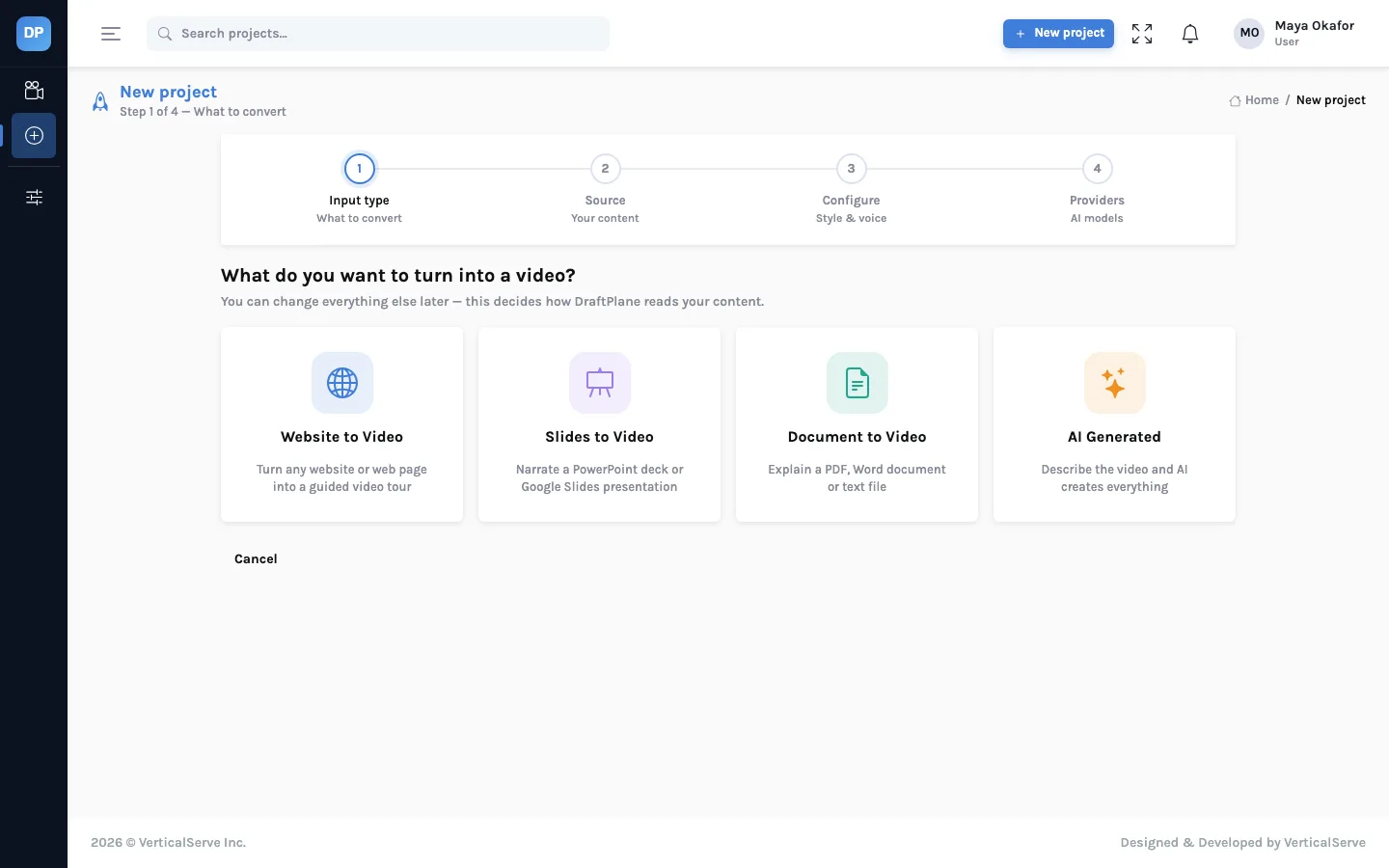
- Choose the source that's closest to your words. If the content already exists as a page, a deck or a document, start from that: the script stays closer to what you've already approved.
- Pick the style deliberately: explainer for one concept, tutorial for steps, promotional for a launch. See styles and providers.
- Plan for one review pass on the Scenes tab and one watch-through with sound (how to review).
Generated content needs a human check. A description video is entirely written and illustrated by AI models. Check facts, look closely at every picture, and make sure the result meets your brand, legal and accessibility requirements before publishing.
Iterate on the brief, not the output
When a description video isn't right, it's tempting to fix it scene by scene. Usually it's faster to fix the brief and regenerate: add the fact that was missing, rule out the claim you didn't want, or cut a message so the rest has room. Keep the brief in the project's focus and instructions so the next person who regenerates it starts from the same instructions.
Questions about briefs
How long should a brief be?
Long enough to cover the five points above, which is usually a short paragraph. The whole brief is passed to the planner, so a longer one isn't cut off, but every extra message competes for the same word budget.
Can I tell it which scenes to make?
You can list them ("open with the problem, then the three steps, then where to find it"), and the planner will usually follow the order. Remember it still decides the final split within four to ten scenes, and the refinement step may tighten the wording to fit the length.