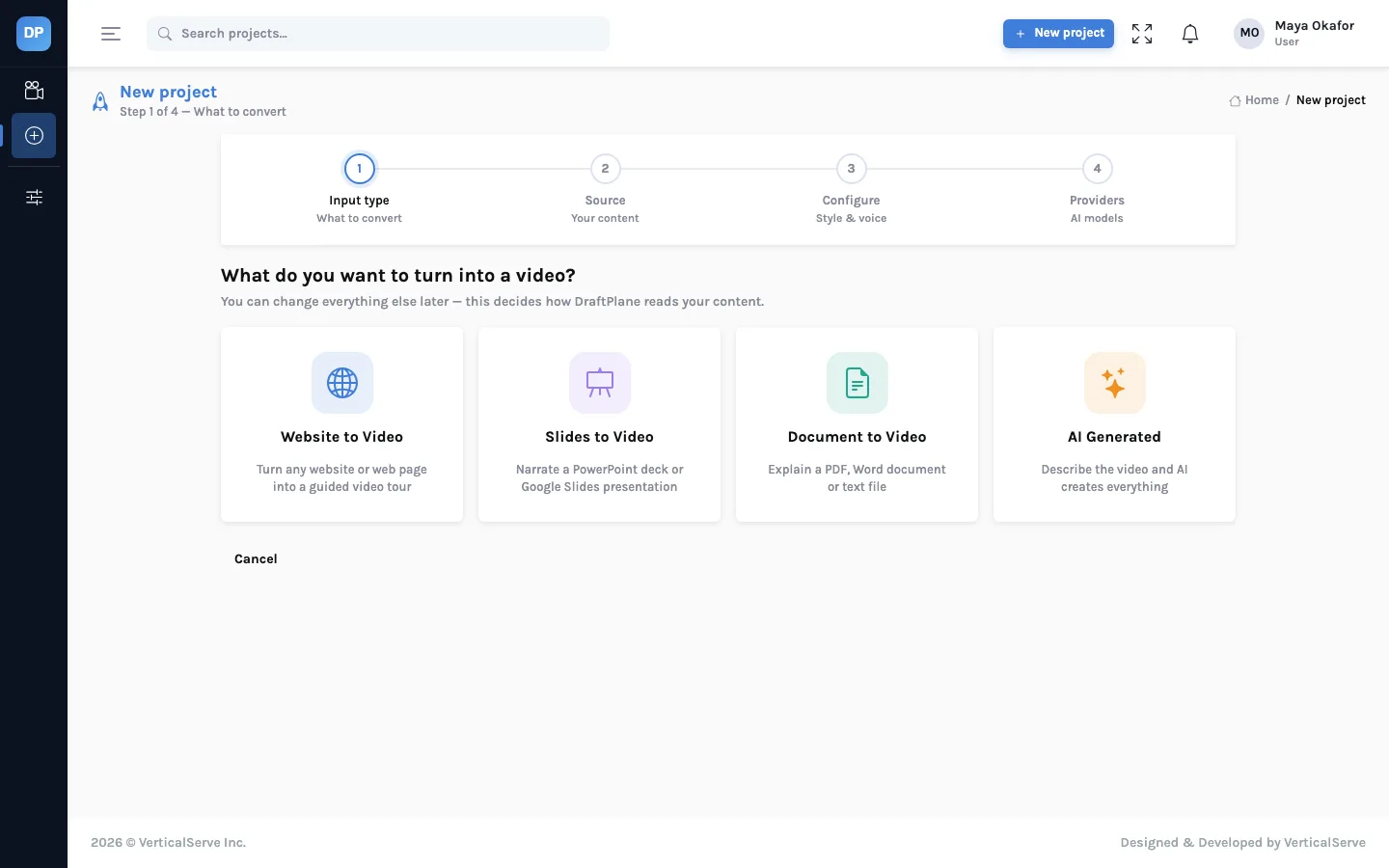
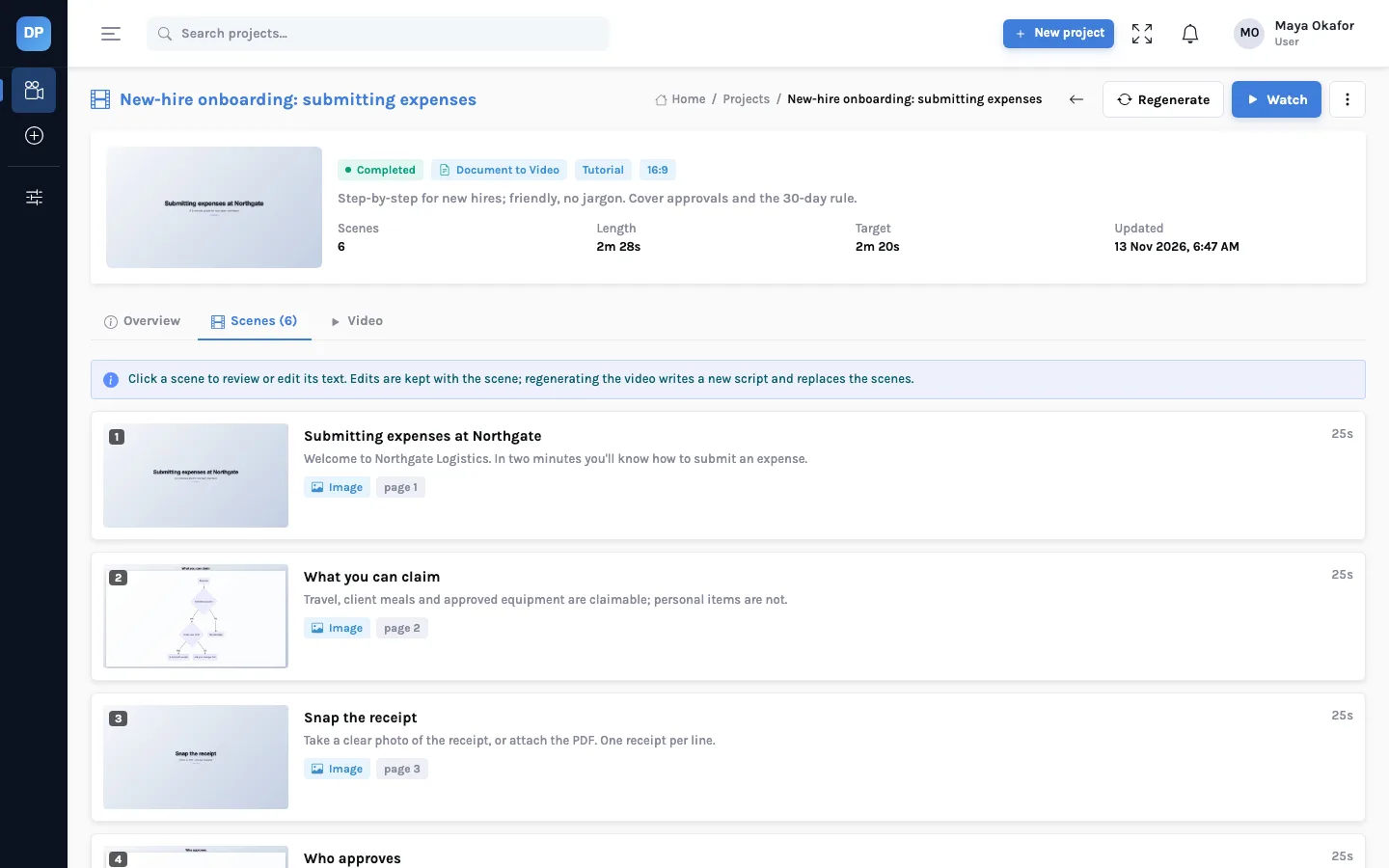
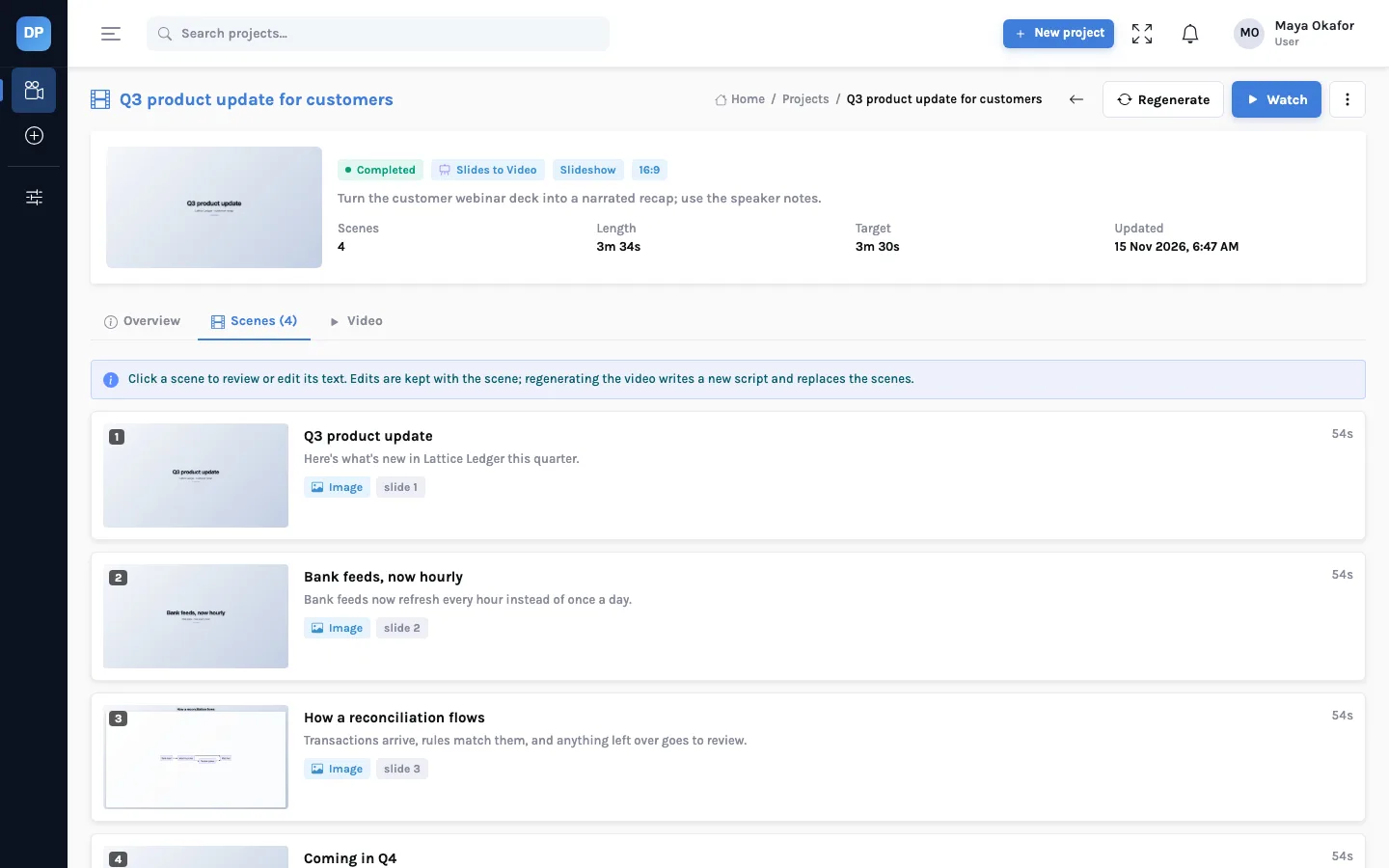
Fernhill Outdoor launches a trail shoe
Fernhill Outdoor (made up) is releasing the Ridgeback, a new trail-running shoe. The product page is live, the launch is next week, and Maya, who runs marketing, wants a one-minute video for the page, YouTube and social, without booking a shoot. Everything in this post, including the company, the shoe and the web address, is fictional.
1. Point DraftPlane at the page
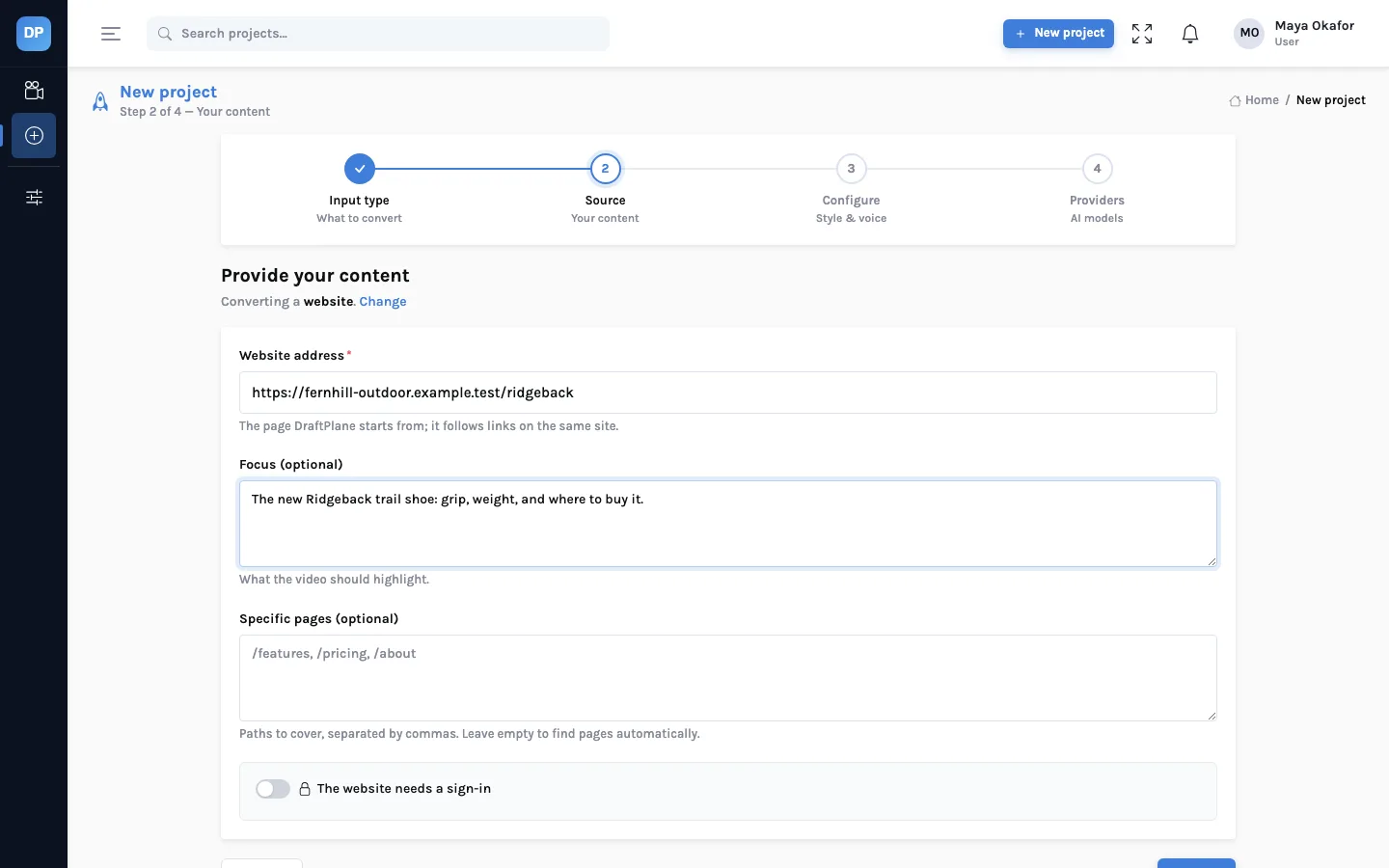
Maya starts a Website to Video project and enters the product page's address. Two optional fields steer what DraftPlane reads:
- Focus, in plain words: "The new Ridgeback trail shoe: grip, weight, and where to buy it."
- Specific pages: paths to cover, separated by commas, such as
/ridgeback, /stores.
If the pages sit behind a sign-in (a partner portal, a staging site), switch on The website needs a sign-in and give the login page and credentials. The stored password is never sent back to the browser afterwards.
2. What DraftPlane does with the site
With just a URL, DraftPlane extracts the page's readable text, and the image model draws each scene's picture. When you list specific pages or add a sign-in, it opens the site in a headless browser at 1920×1080 instead: it visits your paths (or, after signing in, follows links on the same site, up to ten pages), extracts the text and takes a screenshot of each page. Those screenshots become the pictures, so the video shows the real pages and those scenes need no image model.
Maya wants the real product photos and store finder on screen, so she lists the two paths. Either way, the text, her focus and the style go to the language model, which plans the scenes and writes the narration.
Text only or screenshots?
| URL only (text) | Listed pages or sign-in (browser) | |
|---|---|---|
| Pictures | Drawn by the image model from each scene's description | Screenshots of the real pages |
| Looks like your site | No: on-brand only as far as the image model guesses | Yes, exactly as the page renders |
| Good when | The page is mostly text, or its look isn't what you want to show | Product photos, a store finder or an app screen are the point |
| Watch out for | Pictures that imply features or products you don't have | Cookie banners, pop-ups or personal data visible on the page |
Some details of browser mode shape what ends up on screen. The start page itself is captured first and becomes a scene, then each listed path in order. Only the top of each page, one 1920×1080 screen, is used as the picture, so choose paths whose first screen shows what you want people to see. Each screenshot is then described by OpenAI's GPT-4o vision model (whichever writing provider the project uses), and that description plus the page's headings feed the script. Browser mode therefore needs an OpenAI key on the server and sends the screenshots to OpenAI; if the description fails, DraftPlane falls back to the page's headings.
Pages behind a sign-in
With a sign-in, DraftPlane adds the sign-in path (/login unless you change it) to the site address, signs in
with the username and password you gave, and then either visits your listed paths or follows links on the page it lands on, on
the same site and up to ten, skipping sign-out, mail and phone links. Use a demo account with made-up data: anything visible to
that account can end up in a scene.
3. Style and format
For a launch, Promotional gives short, energetic narration. Maya picks landscape 16:9 for the product page and YouTube, with a one-minute target (about 150 words of narration). For Reels or Shorts she'd make a second project in portrait 9:16: the same page, a different frame.
4. Review the scenes
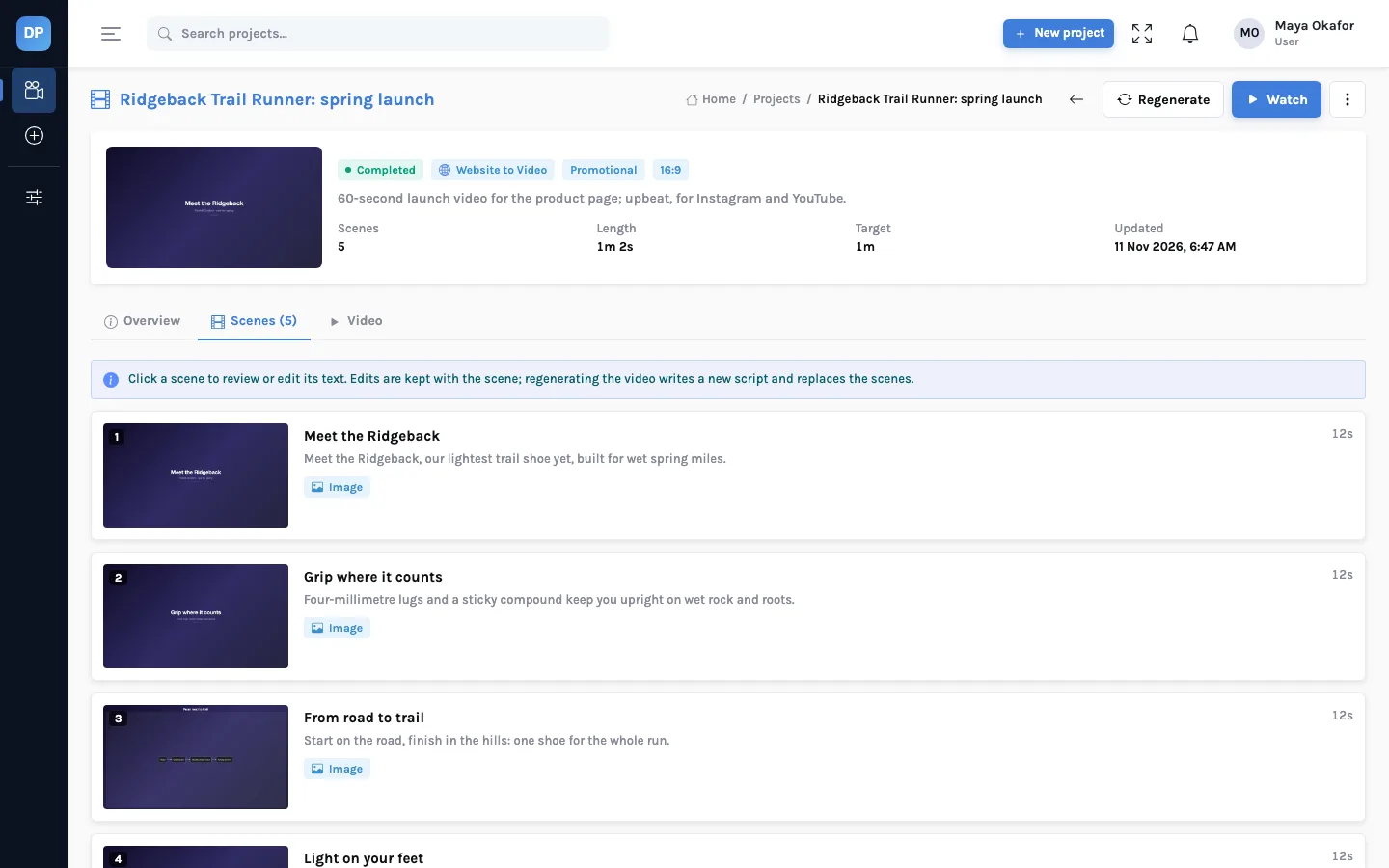
The first pass is reading: does every scene say something true that's on the page? Prices, weights, materials and availability are exactly the details a model can get subtly wrong, so Maya checks each against the product page and fixes the wording in the scene editor. Then she watches the video once with sound to judge pacing.
Rights and claims. Only convert pages you own or have permission to use, and treat performance claims in narration as you would in any ad: they need to be accurate and supportable. DraftPlane reads what's on the page; it doesn't check whether it's true.
What made it work
- A focused page. A product page with clear headings and a few key facts makes a tighter script than a home page with everything on it.
- A one-line focus. Three things to highlight beat a paragraph of instructions.
- The right length. One minute is about five scenes. Ask for more, and you'll get more scenes saying less.
- A real read-through before publishing, against the page itself.
One page, several videos
The same product page can feed more than one video. Because each project keeps its own source, focus, style and format, it's easy to make variations:
- A portrait cut for Reels, Shorts or TikTok: same page, 9:16, 30 seconds, focus on one feature.
- A how-to for the help centre: tutorial style, the setup or care page instead of the product page.
- A retailer version that ends on where to buy rather than on the brand.
Give each project a title that says what it's for ("Ridgeback, 9:16, Reels") so the Projects list stays readable, and filter the list by input type, style or status when it grows. One thing to know: when a run finishes, the project takes the video title the model wrote. If you rely on your own naming, rename it in Edit project after each generation.
Questions marketing teams ask
Can it make a portrait version from screenshots?
It can, but page screenshots are landscape and are resized to fill the frame, so they look squeezed in 9:16. For a portrait cut, use the URL-only mode so the pictures are drawn tall, or start from a short description of the launch.
Does it check the claims on the page?
No. It turns what's on the page into narration. If the page says "lightest in its class", so may the video; whether you can say that is a decision for you and whoever approves your advertising.
Related: choosing styles and providers · reviewing and editing scenes.